






100GB+ / 10,000p+100GB+ / 10,000+ pages
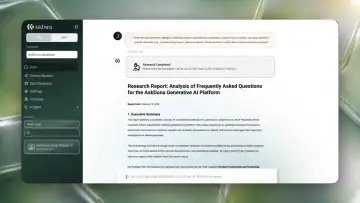
ページ数の多いPDF、容量の大きい資料、過去から蓄積された社内文書まで、現場にある大量データを前提に扱えます。From long PDFs and large files to internal documents built up over years — AskDona is designed to handle the high-volume data your teams actually have.
AskDonaが提供するプラットフォームを活用すれば、組織のデータを、すぐに活用できるナレッジへ。 With the AskDona platform, your organization's data becomes knowledge you can put to use right away.
データ整備や検証にかかる負担を抑え、根拠に基づいた回答を実務で活用できる状態へ。 Cut the effort of data prep and validation, so grounded answers are ready for real operational use.
100GB+ / 10,000p+100GB+ / 10,000+ pages
ページ数の多いPDF、容量の大きい資料、過去から蓄積された社内文書まで、現場にある大量データを前提に扱えます。From long PDFs and large files to internal documents built up over years — AskDona is designed to handle the high-volume data your teams actually have.
PDF・Excel・PPT・画像・表・数式PDF · Excel · PPT · images · tables · formulas
複数タブのExcel、画像入りPowerPoint、表や数式を含むPDFなど、現場の資料形式をそのまま知識化します。Multi-tab spreadsheets, image-rich slide decks, PDFs with tables and formulas — real-world file formats become knowledge as-is.
別途OCR-AIは不要No separate OCR-AI needed
スキャンPDFや画像内の文字も取り込み時にOCR処理。OCRツールを別途用意せず、知識データベース化まで進められます。Text in scanned PDFs and images is processed by OCR at ingestion, so you can reach a knowledge base without preparing a separate OCR tool.
AIが読み取りやすい形に自動整理Auto-organized into an AI-readable form
PDFやOffice文書を、事前にMarkdown形式へ変換する必要はありません。見出し、段落、表、箇条書きなどの構造を保ちながら取り込み、AIが文脈を理解しやすい形で知識化します。No need to pre-convert PDFs or Office files to Markdown. Content is ingested while preserving headings, paragraphs, tables, and lists, so the AI can understand context.
FAQ作成・個別チューニング不要No FAQ authoring or per-case tuning
高品質な回答体験を目指しながら、事前のデータ整備やシナリオ設計の負担をできるだけ減らします。Aiming for a high-quality answer experience while minimizing the burden of upfront data prep and scenario design.
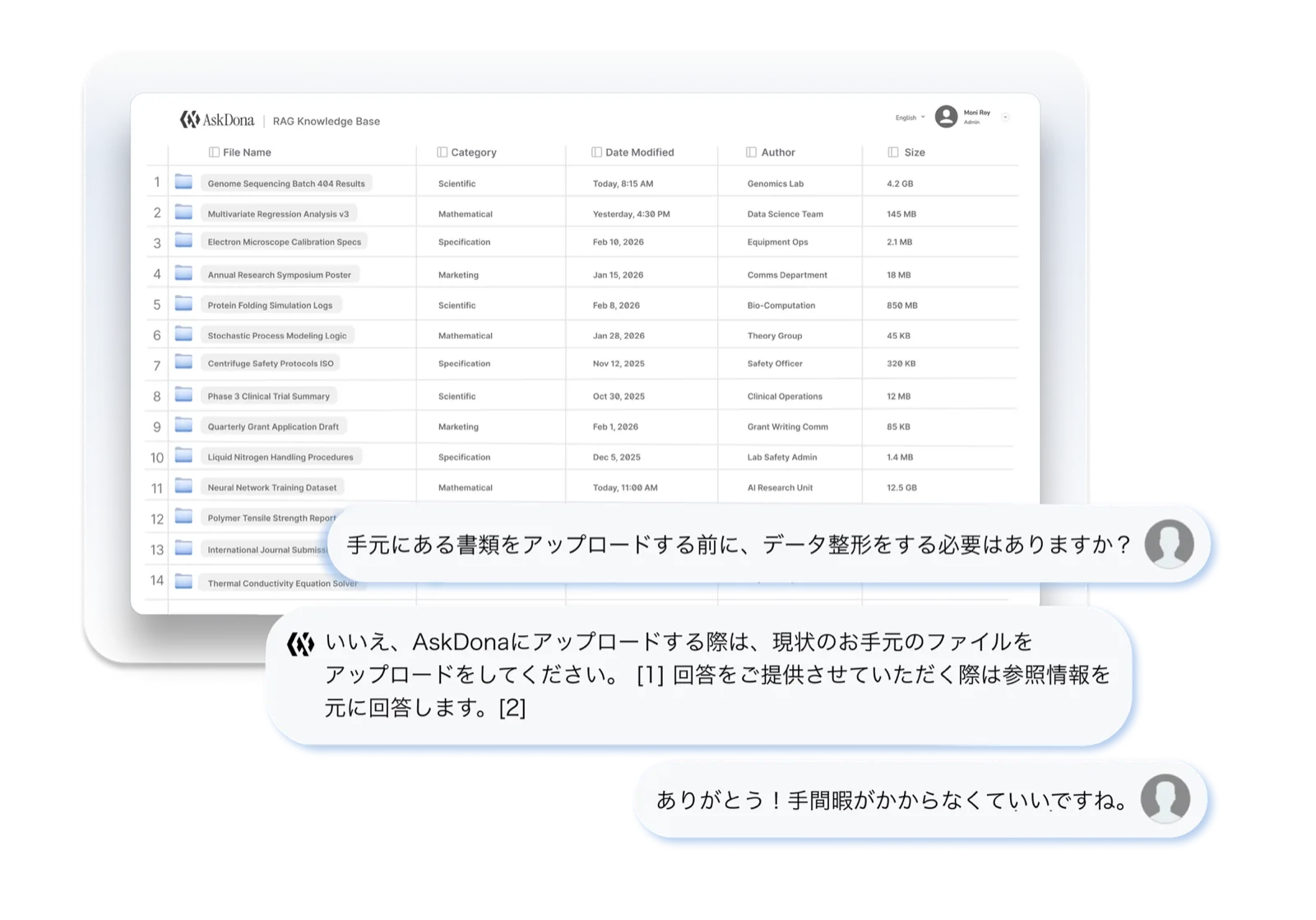
社内規程、マニュアル、技術資料、業務手順書、FAQ、表データなど、現場で使われている資料をもとに、AskDonaの回答精度を確認できます。資料を整えるための準備に時間をかける前に、まずは実際の質問で、どこまで業務に使えるかをご確認ください。 From internal policies, manuals, technical materials, and operating procedures to FAQs and tabular data, check AskDona's answer accuracy using the documents your teams actually use. Before spending time getting your documents in order, try real questions first and see how far it goes in your actual work.
AskDonaは、社内にある既存資料をそのまま取り込み、AIが参照できる知識として活用できます。FAQ作成、Markdown変換、個別チューニングから始める必要はありません。まずは、現場で使われている資料をアップロードするだけで、実務に近い質問を試せます。 AskDona ingests your existing internal documents as-is and turns them into knowledge your AI can reference. There's no need to begin with FAQ authoring, Markdown conversion, or per-case tuning — just upload the documents your teams already use and try realistic, work-like questions.
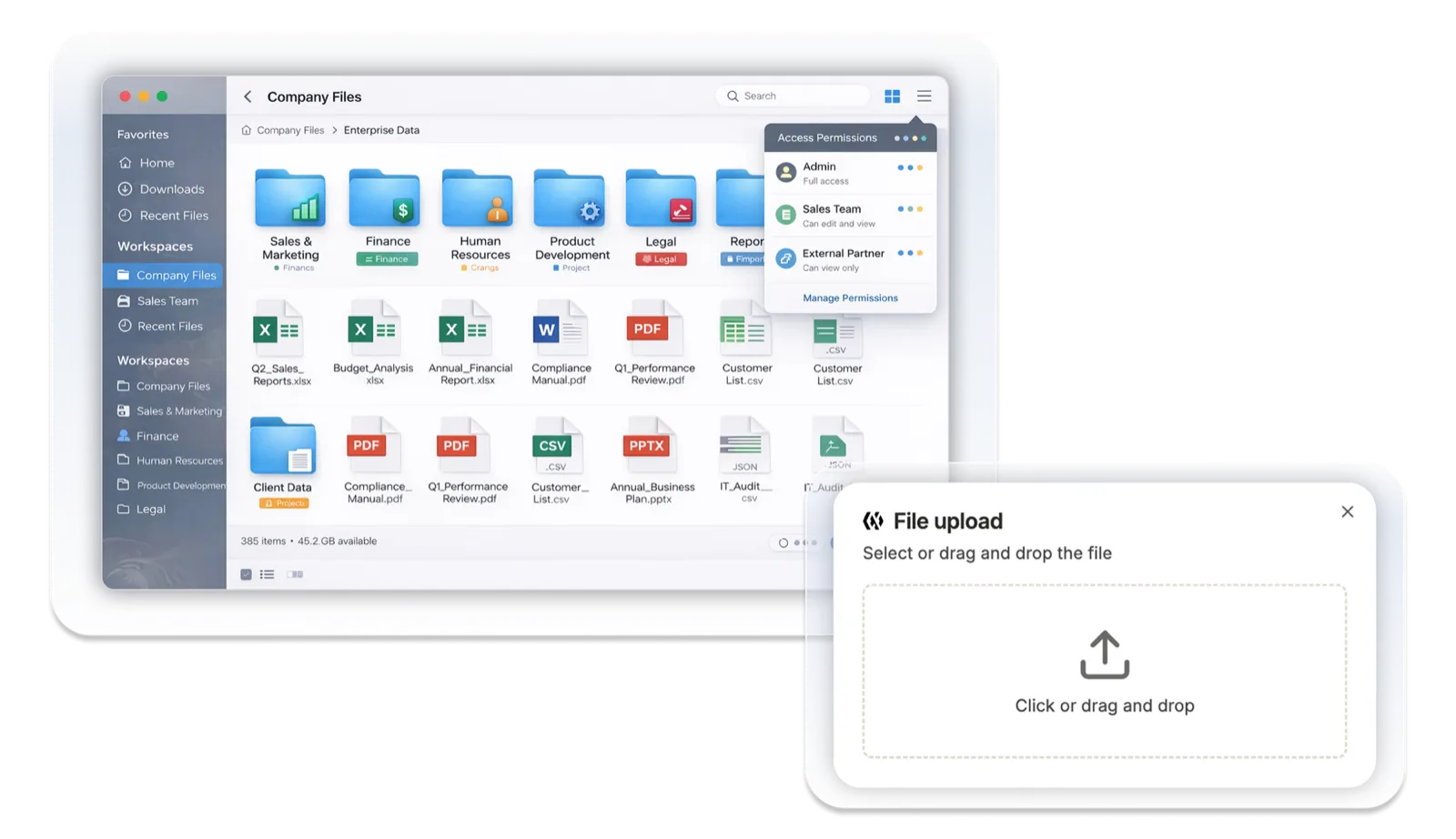
資料をアップロードしたら、管理画面から処理を開始するだけ。AskDonaが、OCR、テキスト抽出、資料構造の整理、セマンティック分割、ベクトルデータ化まで、RAGナレッジベースに必要な前処理を自動で実行します。 Upload your documents, then just start processing from the admin interface. AskDona automatically runs everything your RAG knowledge base needs — OCR, text extraction, document-structure organization, semantic chunking, and vectorization.
スキャンPDF、画像入りのPowerPoint、複数タブのExcel、表や数式を含む専門資料など、資料の種類に応じて適切な処理を行います。処理が完了すると、チャット画面から質問し、根拠を確認しながら回答を利用できる状態になります。 It applies the right processing to each kind of material — scanned PDFs, image-rich PowerPoint, multi-tab Excel, and technical documents with tables or formulas. Once processing is complete, you can ask questions from the chat screen and use answers while checking their sources.
スキャンPDFや画像内の文字を読み取り、AIが参照できるテキストとして抽出します。 Reads text from scanned PDFs and images, extracting it as text your AI can reference.
見出し、段落、表、箇条書きなどの構造を保ちながら、回答に使いやすい形へ整理します。 Preserves structure — headings, paragraphs, tables, and lists — while organizing content into a form that's easy to use in answers.
文章を単純な長さだけで区切るのではなく、意味のまとまりを考慮して分割します。 Splits text by meaningful units rather than by length alone.
自動付与された情報や、任意で設定したメタデータを取り込み、管理・検索・分析に活用できる状態にします。 Incorporates auto-assigned and optional metadata so content is ready for management, search, and analysis.
質問に対して関連情報を探し出せるよう、資料の内容を検索可能なデータとして登録します。 Registers content as searchable data so relevant information can be found for each question.
必要に応じてメタデータを付与することで、管理画面での絞り込みや、チャット時の検索範囲の指定、利用状況の分析がしやすくなります。 By adding metadata as needed, you can more easily filter in the admin interface, scope searches during chat, and analyze usage.
メタデータはAIにファイルの意味を伝えるためにも効果的です。一方で、付与作業の負担が導入の障壁となることもあります。 Metadata is also an effective way to convey the meaning of each file to the AI. At the same time, the effort of assigning it can become a barrier to adoption.
AskDonaでは、あらかじめ自動付与されたメタデータとは別にユーザーが任意でメタデータを設定できる柔軟性をもたせています。 In AskDona, beyond the metadata assigned automatically in advance, users have the flexibility to set their own metadata as needed.
メタデータを付与すると、チャットや分析時のフィルター条件として活用も可能です。カテゴリ、部門、文書種別などで絞り込みを行い、より的確な回答を導くことが可能です。 Once assigned, metadata can also be used as filter conditions during chat and analysis. Narrow by category, department, or document type to guide more accurate answers.
一方で、複数のメタデータを付与するには負担がかかります。AskDonaでは以下の手順に従ってメタデータを一括で付与できる機能を備えています。 Assigning metadata across many files can be a burden, so AskDona includes a feature to apply it in bulk with the following steps:
大規模言語モデルの確率的な推測による回答をコントロールし、根拠に基づく回答生成を実現しています。
データは横断検索が可能な形で一元管理されながらも、文脈が混在することはありません。
AskDonaは、実際の業務での活用を前提として設計されています。単なる検証ではなく、組織の知識基盤として活用できるプラットフォームです。
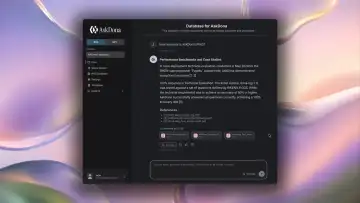
When you start chatting:
This is evidence-based answering — not probabilistic guesswork.
One database. Many categories. No confusion.
Data is centralized for cross-search, yet context is never mixed. This allows organizations to:
はい、RAGのデータベースにアップロードされたファイルは日本国内のサーバーで管理されます。 Yes — files uploaded to the RAG database are managed on servers within Japan.
はい。ログイン後の認証情報に基づき、お客様のデータに対して厳格な論理的分離を実施しています。そのため、他のお客様のデータにアクセスすることはない仕様となっています。 Yes. AskDona enforces strict logical separation of customer data based on login credentials, so other customers cannot access your data.
会社のポリシーで社内データの社外持ち出しができない企業様向けに、自社で契約しているクラウド (AWS、GCP) でAskDonaを導入する方法もございます。詳しくはお問い合わせください。 For organizations whose policies prohibit moving internal data outside, AskDona can also be deployed into your own contracted cloud (AWS, GCP). Contact us for details.
PDF、Word (.docx)、PowerPoint (.pptx)、Excel (.xlsx)、CSV、HTML、Markdown、画像ファイルなど主要なフォーマットに対応しています。容量や運用条件の詳細はお問い合わせください。 AskDona RAG supports major formats — PDF, Word (.docx), PowerPoint (.pptx), Excel (.xlsx), CSV, HTML, Markdown, and image files. Contact us for capacity and operational limits.
いいえ。AskDonaに送信される質問やアップロードしたファイルなどのデータが、ChatGPTなど生成AIモデルの学習に利用されることはありません。今後採用する生成AIモデルについても、学習にデータを使わない契約のものに限定する方針です。 No. Questions and uploaded files sent to AskDona are never used to train ChatGPT or other generative-AI models. Any models we adopt going forward will be limited to those covered by no-training-on-customer-data agreements.